
How to Reset Maintenance Light on Toyota Camry is a North America best-selling car, celebrated for its reliability and durability. When the maintenance required light illuminates, it signals that your mid-size sedan needs essential vehicle servicing to stay healthy.
This dashboard warning signs indicator typically appears based on your maintenance schedule and odometer reading. It serves as a vital oil change reminder to ensure your engine components remain in peak condition for long.
Table of Contents
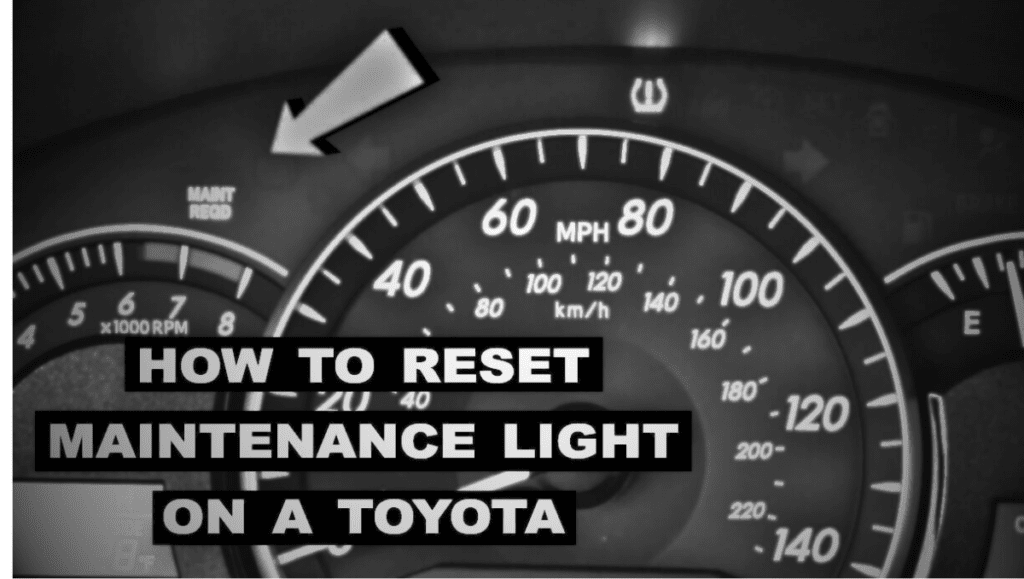
When You Need to Reset the Maintenance Light
The maintenance light on your Toyota Camry is a sophisticated oil change reminder designed to keep your vehicle in peak condition. You primarily need to perform a reset procedure immediately after completing a scheduled vehicle servicing, such as an oil change or tire rotation. Because the system operates based on the odometer reading, it does not “know” when new oil has been added; it simply counts the miles since the last reset.
In addition to regular oil intervals, you should reset the light if it was triggered by a specific maintenance schedule milestone or after a certified auto shop inspects critical engine components. This ensures the user-friendly interface accurately reflects the health of your fuel-efficient engines or hybrid powertrain. Keeping this system synchronized is essential for preserving the reliability and durability of your car, which directly impacts the resale value and long-term vehicle longevity.
Also Read Toyota Supra 7 Things That Make It Legendary And Ultimate Performance and Features
What the Toyota Camry Maintenance Light Means
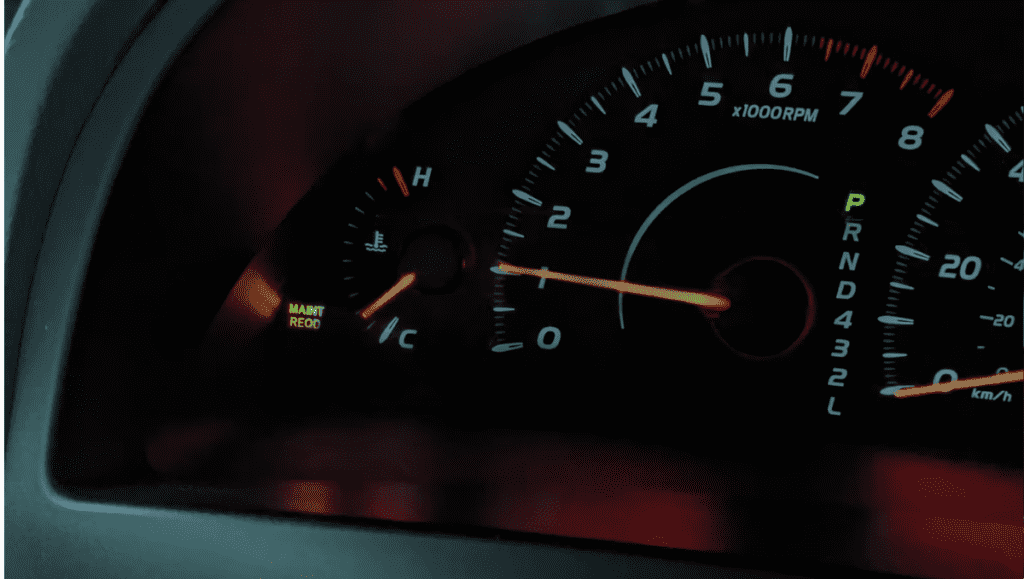
The maintenance required light is a proactive alert, not to be confused with urgent dashboard warning signs like the check engine light. It signals that your mid-size sedan has reached a specific mileage interval requiring routine vehicle servicing.
This light primarily tracks your maintenance schedule to protect engine components and the automatic transmission. By following this prompt, you maintain the reliability and durability that makes the Toyota Camry a leader in vehicle longevity and high resale value.
Key Takeaways (Quick Answer)
- The most important automotive solution for your Toyota Camry is resetting the maintenance required light after every service. This process ensures your oil change reminder stays accurate, protecting your V6 engine or hybrid powertrain from unnecessary wear and tear.
- By following the reset procedure using the trip reset button, you maintain the reliability and durability of your mid-size sedan. This simple habit preserves the resale value and ensures your 8th generation Camry remains a safe, efficient vehicle.
Also Read Copen GR SPORT Review: 7 Incredible Benefits and Hidden Downsides
Step-by-Step Guide to Reset Maintenance Light on Toyota Camry
To begin the reset procedure, sit inside your spacious interior and locate the ignition switch. Ensure the odometer reading is displayed on your user-friendly interface before you attempt to clear the notification.
Press the trip reset button while turning the key. This automotive solution works perfectly for the fuel-efficient engines and the V6 engine models, keeping your driving performance and driving dynamics at their absolute peak.
Utilizing Technology for Your Toyota Camry Reset
Modern versions built on Toyota’s TNGA platform may require using the steering wheel controls. Access the infotainment system to navigate settings, ensuring your smartphone integration, Apple CarPlay, and Android Auto remain fully functional and connected.
If the manual method fails, an OBD-II scanner or diagnostic tool can help. This ensures your safety features like automatic emergency braking, lane departure warning, and adaptive cruise control operate correctly for every single trip.
Professional Care for North America Best-selling Car
Following the maintenance schedule is vital for your hybrid powertrain or automatic transmission. Always consult your car manual to understand the specific requirements for your Camry to maintain its status as a top-tier vehicle.
Whether you drive the base model or the premium trim, consistent care prevents long-term damage. Proper resets after service guarantee that your North America best-selling car continues providing a safe and very smooth ride.
Common Mistakes to Avoid When Resetting the Maintenance Light
Many owners of the 8th generation Camry ignore the official maintenance schedule while trying to clear the oil change reminder. Relying on an OBD-II scanner is often unnecessary for this simple, manual automotive solution.
Failing to check engine components or skipping a tire rotation can hurt vehicle longevity and resale value. Ensure you consult the car manual to maintain the driving performance and safety features of your hybrid powertrain.
Conclusion
Maintaining your Toyota Camry involves more than just clearing alerts; it ensures the Toyota’s TNGA platform continues providing excellent driving dynamics. A user-friendly interface makes monitoring your fuel-efficient engines and automatic transmission simple.
Regular care at a certified auto shop protects your spacious interior and high resale value. By prioritizing the maintenance schedule, you guarantee that your 8th generation Camry remains a leader in reliability and durability.
How long after maintenance required light Toyota can I drive?
After maintenance of your Toyota Camry, you can drive it for 300 to 500 miles.
What are common Camry maintenance issues?
So the most common problem with the Camry is electrical and infotainment glitches.
Does resetting the maintenance light fix mechanical problems?
No, does not fix mechanical problems.
How often does the Toyota Camry maintenance light come on?
Toyota Camry will need to be serviced every 5,000 miles and six months, according to the Light.
Do I need a mechanic to reset the maintenance light?
No, you don’t need to go to a mechanic to get this light fixed. You can set it up at home in a few minutes.